


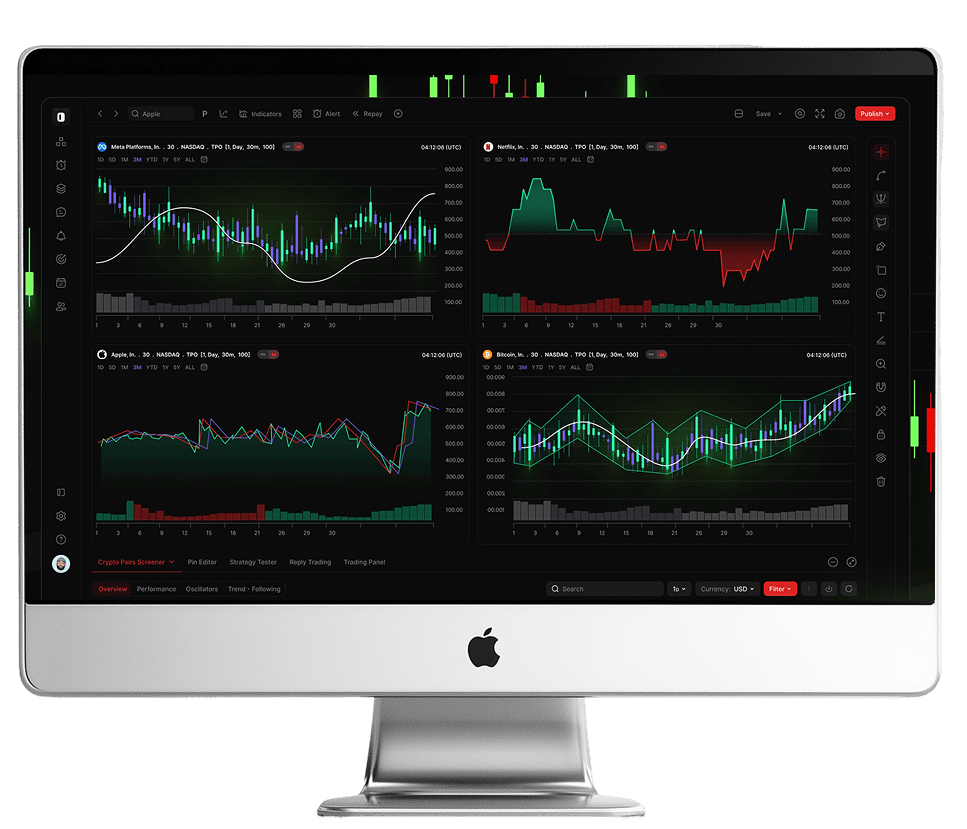
MetaTrader 5
— Desktop Platform
 Download for PC
![[object Object]](/_next/image?url=%2Fimages%2Ficons%2F9.png&w=3840&q=75)
One-Click
Trading
Enter and manage positions faster, directly from charts.
![[object Object]](/_next/image?url=%2Fimages%2Ficons%2F15.png&w=3840&q=75)
Advanced
Charting
Multiple timeframes, dozens of indicators, drawing tools.
![[object Object]](/_next/image?url=%2Fimages%2Ficons%2F21.png&w=3840&q=75)
Depth of Market
(DoM)
Vew available liquidity before you place an order.
![[object Object]](/_next/image?url=%2Fimages%2Ficons%2F22.png&w=3840&q=75)
Algorithmic
Trading
Run and test Expert Advisors (EAs).
![[object Object]](/_next/image?url=%2Fimages%2Ficons%2F14.png&w=3840&q=75)
Cross-Device
Continuity
Trade seamlessly across your favourite devices with synced settings.

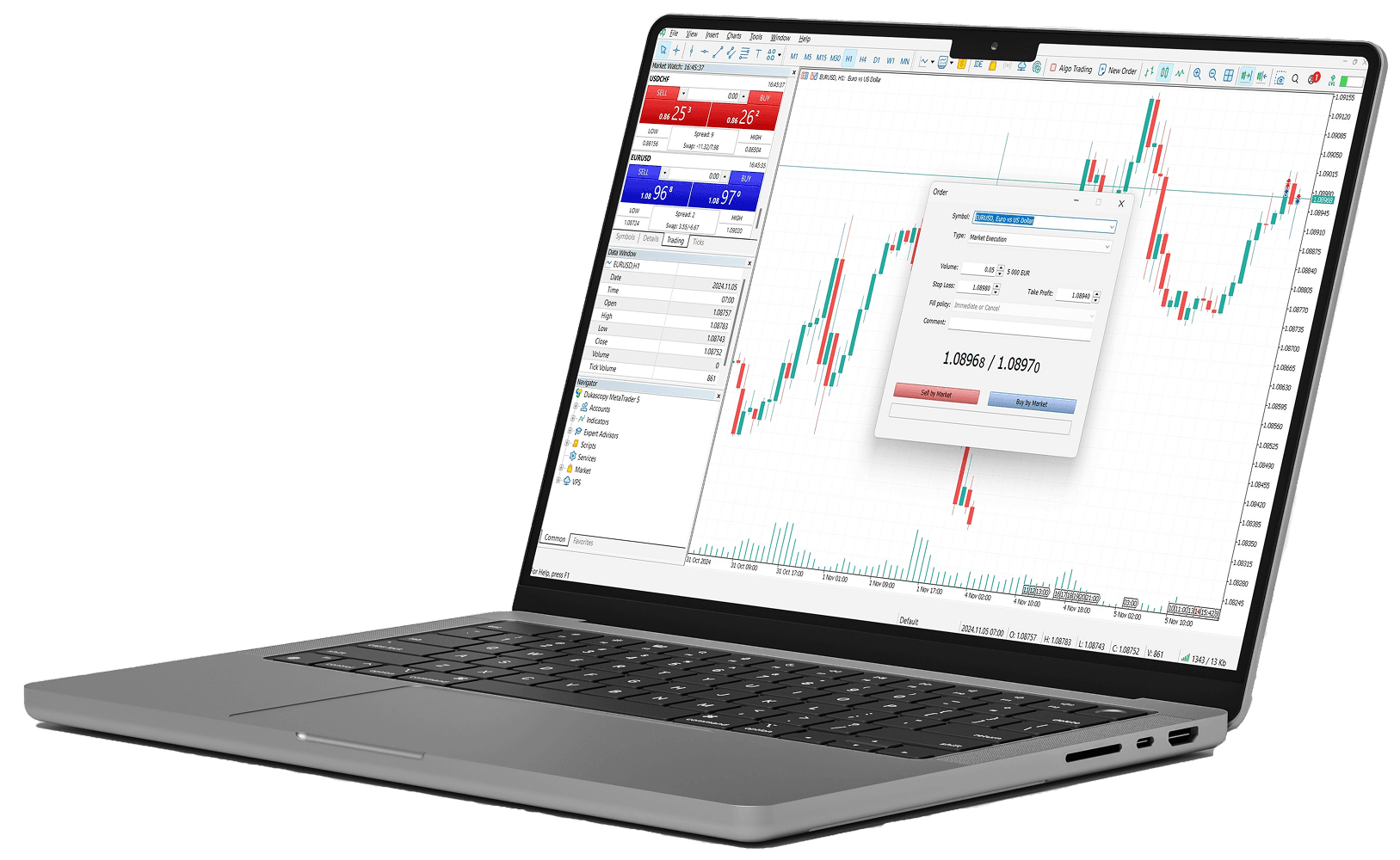
Installation & Setup
![[object Object]](/_next/image?url=%2Fimages%2Ftrades%2FsetupBg.webp&w=3840&q=75)
![[object Object]](/_next/image?url=%2Fimages%2Ftrades%2FsetupArc.webp&w=3840&q=75)
Step1
Download & install
MT5 Desktop
 Download for PC
Step2
Log in:
Step3
Configure:
Order & Risk
Controls
Market, limit, stop and stop-limit orders with stop-loss, take-profit and trailing stops. Partial closes and pending orders help you scale in/out without losing structure. Use our position-size and margin calculators before you trade.

Tools Included with
My MAA Markets
Position-size, pip and margin calculators, smart price alerts and starter MT5 templates—so you can reduce clicks and keep risk visible at order time.
Algorithmic Trading
(EAs)
Design or import EAs and custom indicators, and use the built-in strategy tester to validate ideas. For 24/7 operation, consider running your EA on a VPS to avoid local power or connectivity interruptions.
*
System Requirements
(at a glance)
Frequently
Asked
Questions
Can't Find What You Are Looking For?
Get in TouchAdvanced charting, full order functionality, and a desktop trading workflow.
If enabled, MT5 supports EAs—check any applicable platform rules and conditions.
You’ll use your trading account login details provided after registration.
Most instruments are available; exact access depends on your account and instrument list.
Confirm server selection, login credentials, and internet access; contact support if it persists.