


![[object Object]](/_next/image?url=%2Fimages%2Ftrades%2Fmt5-mobile-hero.webp&w=3840&q=75)
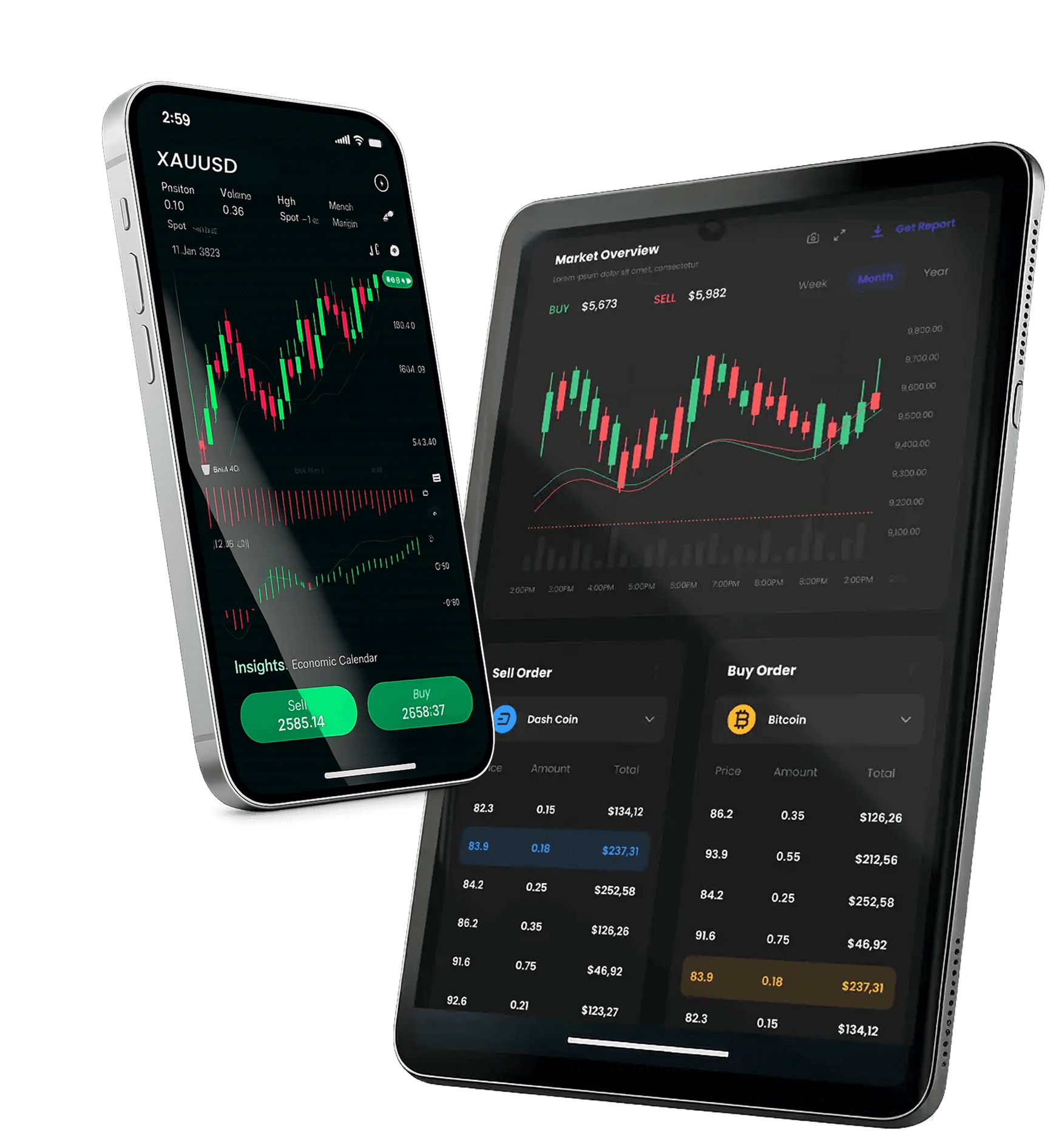
MetaTrader 5
— Mobile Platform
 Download for Android
![[object Object]](/_next/image?url=%2Fimages%2Ficons%2F17.png&w=3840&q=75)
Trade
Conviniently
Open/close, modify SL/TP, partial close.
![[object Object]](/_next/image?url=%2Fimages%2Ficons%2F15.png&w=3840&q=75)
Advanced
Charting
Access trading charts wherever you are.
![[object Object]](/_next/image?url=%2Fimages%2Ficons%2F16.png&w=3840&q=75)
Alerts & push
notifications
Get notified when price levels are reached.
![[object Object]](/_next/image?url=%2Fimages%2Ficons%2F29.png&w=3840&q=75)
Account
View
see your exposure, margin, swaps, and order history all in one place.
![[object Object]](/_next/image?url=%2Fimages%2Ficons%2F14.png&w=3840&q=75)
Cross-Device
Continuity
Trade seamlessly across your favourite devices with synced settings.

Getting Started
![[object Object]](/_next/image?url=%2Fimages%2Ftrades%2FsetupBg.webp&w=3840&q=75)
![[object Object]](/_next/image?url=%2Fimages%2Ftrades%2FsetupArc.webp&w=3840&q=75)
Step1
Install MT5 from
your app store


Step2
Log in:
Step3
Configure:
Handy Mobile
Features
Quick-edit SL/TP from the positions screen, create watchlists, save chart templates and use landscape mode for deeper charting.
Mobile vs Desktop:
What’s Different?
EAs and strategy testing run on Desktop (or a VPS), not on Mobile. Use Mobile to monitor and manage; use Desktop for building and automating strategies.
Security
on Mobile
Design or import EAs and custom indicators, and use the built-in strategy tester to validate ideas. For 24/7 operation, consider running your EA on a VPS to avoid local power or connectivity interruptions.



Frequently
Asked
Questions
Can't Find What You Are Looking For?
Get in TouchYes — you can open, manage, and close trades from the mobile app.
Generally yes; availability depends on account type and instrument list.
Use a strong password, device lock, and avoid public Wi‑Fi for logins.
Yes — you can usually enable price alerts/notifications in-app.
Update the app, restart the device, and contact support if the issue continues.